Fuel and mileage
A fuel log that shows how your vehicle really performs.
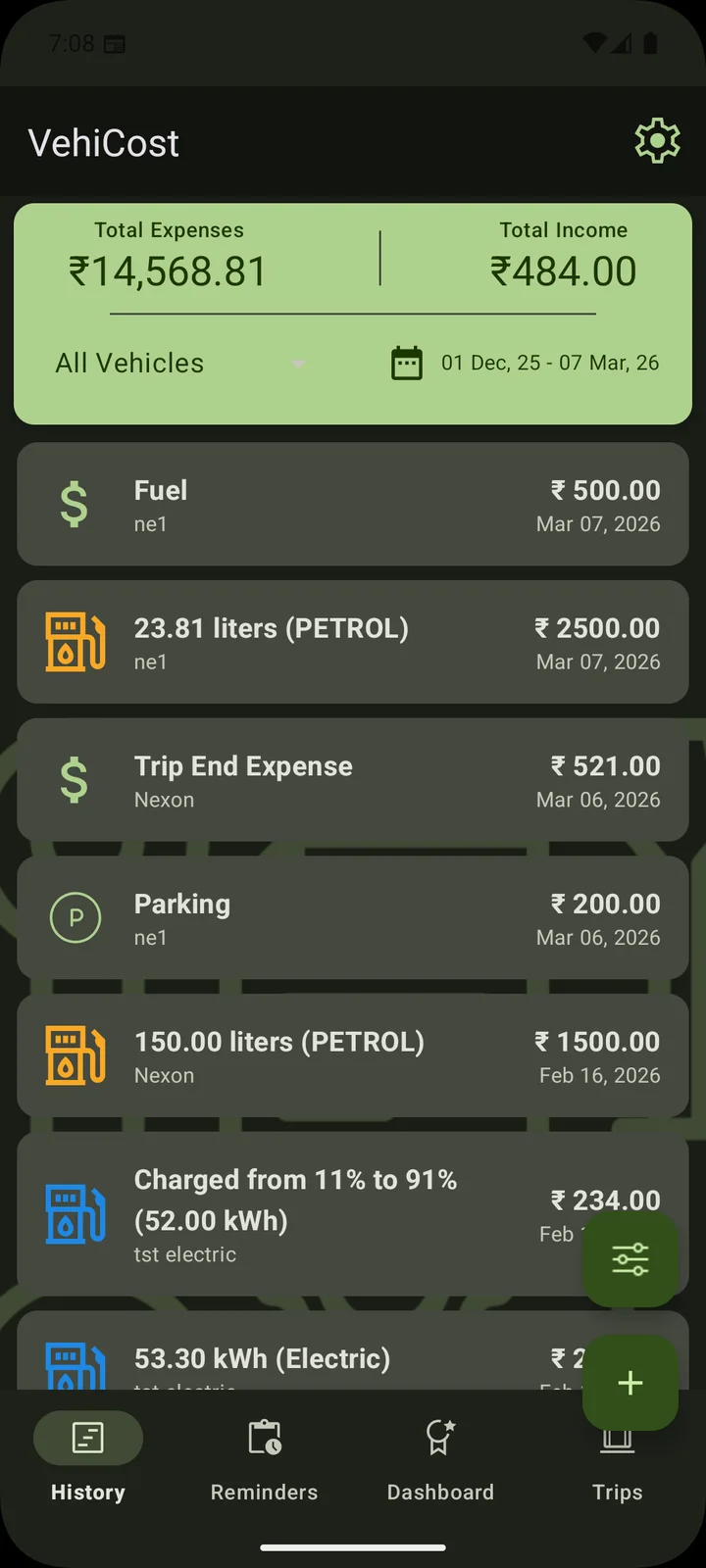
Record each fill-up or EV charging session and let VehiCost keep the running picture of mileage and cost.
Log it when it happens
A fuel entry takes a moment at the pump. Note the date, the odometer reading, how much you added and what you paid. Do the same for EV charging sessions.
- Fuel fill-ups and EV charging in the same log
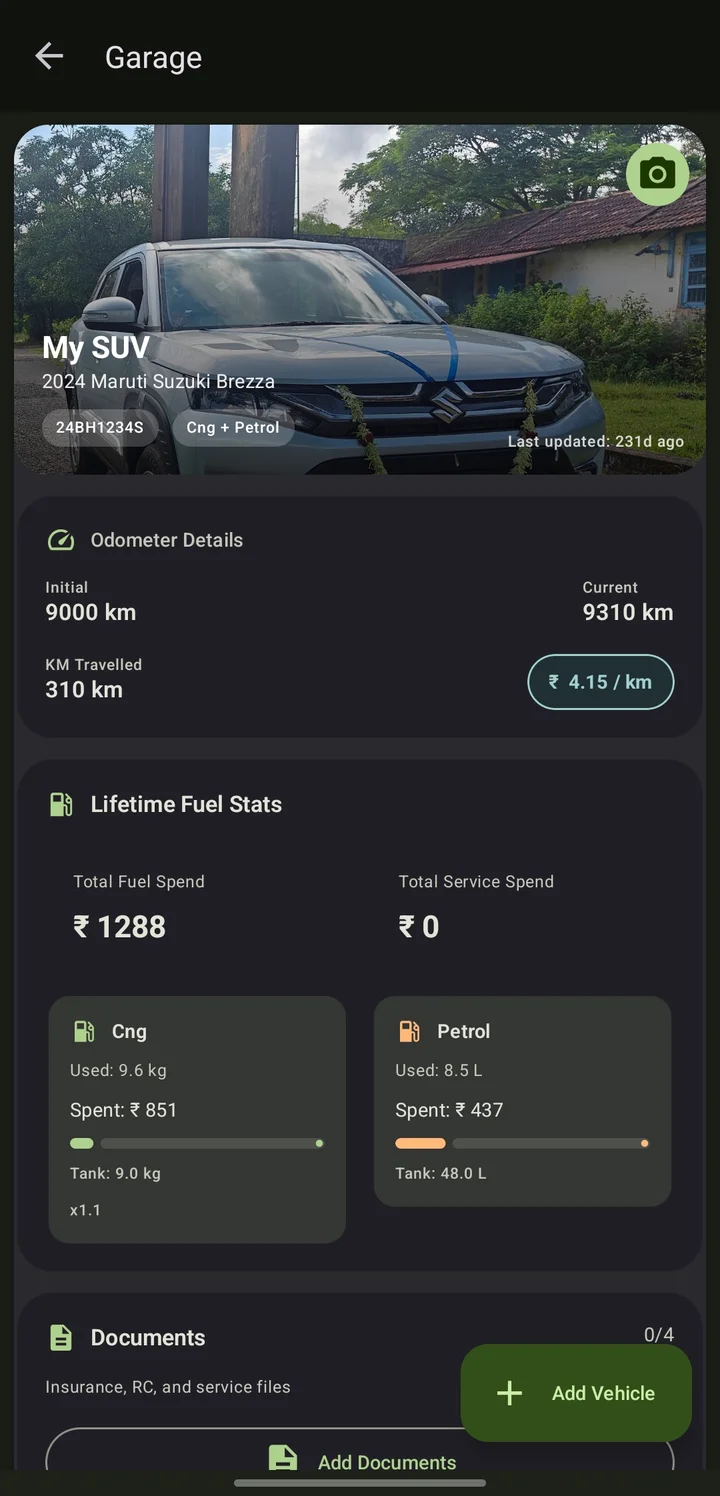
- Odometer readings to keep mileage honest, with cost per kilometre for each vehicle
- Cost per entry, so spending adds up by itself
- Vehicles that run on two fuels, such as CNG and petrol, with usage and spend shown for each
See the pattern, not just the last fill-up
One reading tells you little. A series of entries shows whether a vehicle is getting more or less out of each litre or charge, and whether a sudden change is worth checking.
One log per vehicle
Each vehicle keeps its own history, so a petrol hatchback and an electric scooter never get mixed together.
Learn the full-tank method in our article on how to calculate fuel mileage (see the Blog).
More from VehiCost
Trip tracking
Keep a record of the journeys you make, separate from everyday refuelling.
Vehicle expenses
Service history, repairs, insurance and other costs, with maintenance reminders.
Fleet and organisation management
Manage many vehicles for a family, a business or an organisation.
Start logging your vehicles
VehiCost is available on Android and iOS.